| From: | Abhishek Arora <abhishekarora12(at)gmail(dot)com> |
|---|---|
| To: | Khushboo Vashi <khushboo(dot)vashi(at)enterprisedb(dot)com> |
| Cc: | pgadmin-support(at)lists(dot)postgresql(dot)org |
| Subject: | Re: PgAdmin4 v3.1 Query Tool Initializer error |
| Date: | 2018-07-31 17:19:13 |
| Message-ID: | CAO+GAPxdOOav7hfRcER_1eTB3M8OuBGW6-8ywaAKK8dviAvw5Q@mail.gmail.com |
| Views: | Whole Thread | Raw Message | Download mbox | Resend email |
| Thread: | |
| Lists: | pgadmin-support |
Hi,
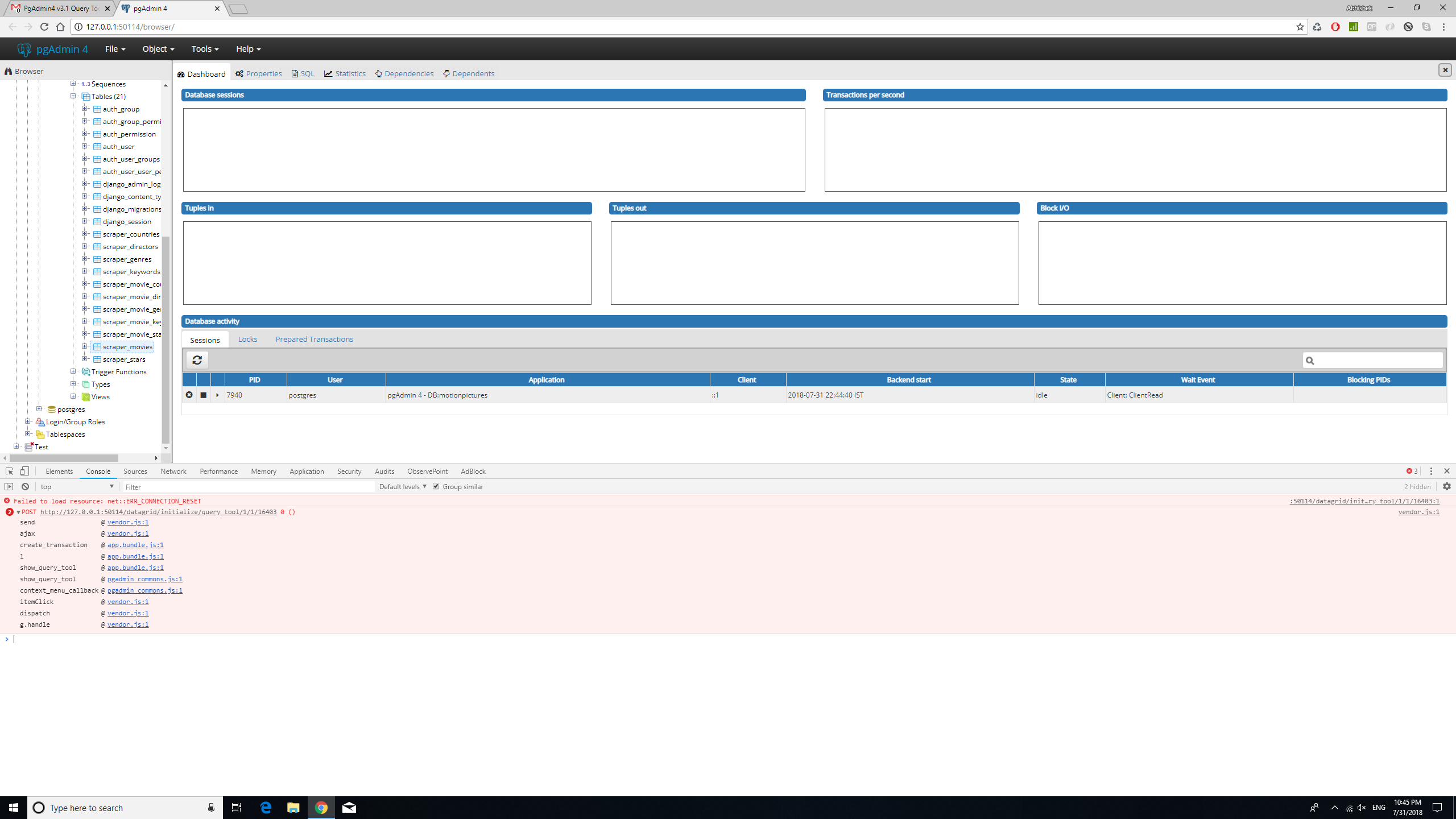
I have attached two screenshots below, first is expanded exception and
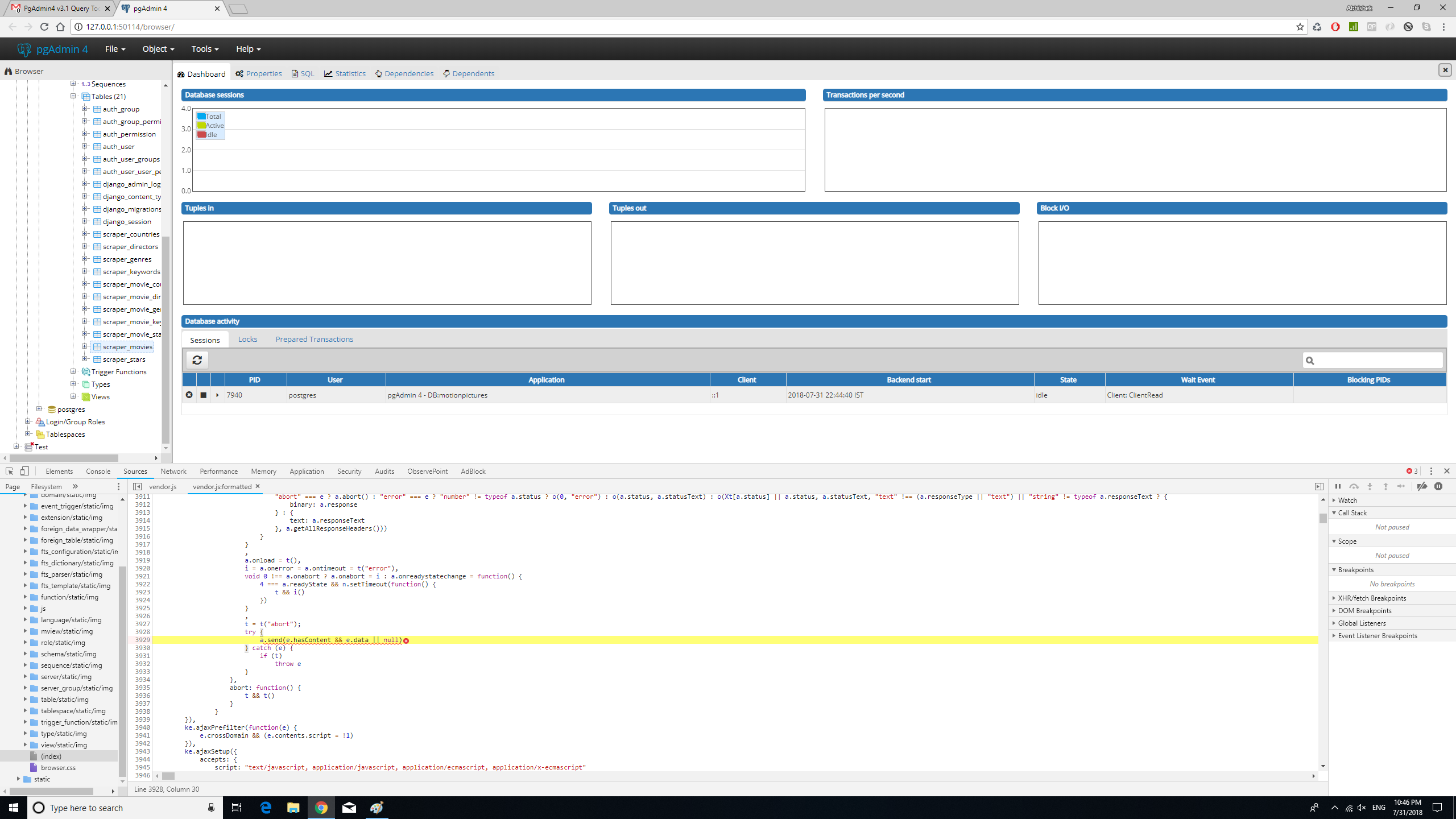
second is the vendor.js file that it points to.
It's giving the same error, if try to open it from database node or any
other table.
On Tue, Jul 31, 2018 at 9:51 AM Khushboo Vashi <
khushboo(dot)vashi(at)enterprisedb(dot)com> wrote:
>
>
> On Mon, Jul 30, 2018 at 10:00 PM, Abhishek Arora <
> abhishekarora12(at)gmail(dot)com> wrote:
>
>> Hi Khushboo,
>>
>> Browser :- Google Chrome Version 67.0.3396.99 (Official Build) (64-bit)
>>
>> I am attaching the screenshot of exceptions that occur in developer tools
>> console.
>>
>> I tried deleting browser's cache and reloading the application but same
>> error persists.
>>
>> Thanks for the details.
> Please expand the developer tool error and provide the screenshot.
> Are you able to open the query tool by selecting other nodes like database
> , schema etc. ?
>
>
>> On Mon, Jul 30, 2018 at 3:58 PM Khushboo Vashi <
>> khushboo(dot)vashi(at)enterprisedb(dot)com> wrote:
>>
>>> Hi Abhishek,
>>>
>>> Do you get any error on browser's developer console?
>>> Which browser (version) are you using?
>>> Have you tried to delete the browser cache and reload the application?
>>>
>>> Thanks,
>>> Khushboo
>>>
>>> On Sat, Jul 28, 2018 at 3:54 AM, Abhishek Arora <
>>> abhishekarora12(at)gmail(dot)com> wrote:
>>>
>>>> Hi,
>>>>
>>>> I am getting a *query tool initializer error *in PgAdmin4 v3.1 and v3.
>>>>
>>>> Most of the tables were created by django, but I manually created a
>>>> test table and it still gives the same error.
>>>>
>>>> The details and screenshots are follows :-
>>>>
>>>> Version of pgAdmin - * 4 v3.1*
>>>>
>>>> The configure options used (if compiled from source) -* No*
>>>>
>>>> The operating system and version details - *Windows 10 (Fully Updated)*
>>>>
>>>> Whether you're running in server or desktop mode - *server*
>>>>
>>>> The Python version and configure options used (if running in server
>>>> mode) -* python 3.6.5 and didn't do any python configurations manually*
>>>>
>>>> I deleted the old log file and setup DEBUG=True and FILE_LOG_LEVEL = 10
>>>> and the new log file is empty.
>>>>
>>>>
>>>
>
| Attachment | Content-Type | Size |
|---|---|---|
| query_tool_initializer_error2.png | image/png | 198.1 KB |
| query_tool_initializer_error3.png | image/png | 231.6 KB |
| From | Date | Subject | |
|---|---|---|---|
| Next Message | Khushboo Vashi | 2018-08-01 04:01:05 | Re: Server group becomes unusable in PGAdmin4 |
| Previous Message | richard coleman | 2018-07-31 14:39:33 | pgAdmin 4 (version 3.1) Kubuntu 18.04 can't save query tool to disk. |