PgAdmin4 Bug report - Zoomed too far out
| From: | Michael Higgins <mhiggins(at)tenmilesquare(dot)com> |
|---|---|
| To: | pgadmin-support(at)postgresql(dot)org |
| Subject: | PgAdmin4 Bug report - Zoomed too far out |
| Date: | 2016-10-20 15:51:48 |
| Message-ID: | CAGdTkmK=tnt8vYMQ_S3ZcTseHHQc=H83tPa+uJsDLehPsNKGNQ@mail.gmail.com |
| Views: | Whole Thread | Raw Message | Download mbox | Resend email |
| Thread: | |
| Lists: | pgadmin-support |
First, thanks for everyone who contributes to this project. It's the only
reliable client.
I am running PgAdmin 4 v1.0 on OSX 10.11.6.
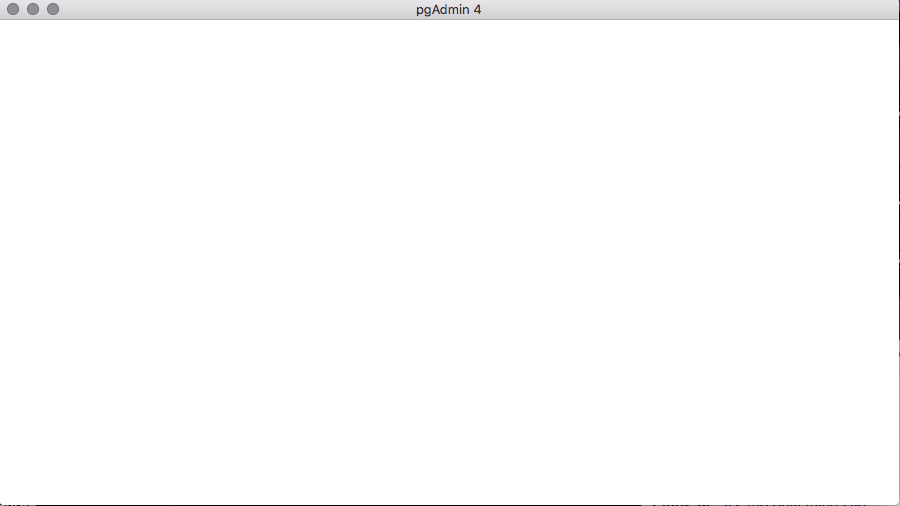
I accidentally zoomed "too" far out using COMMAND + "Minus"
Now, I can not see anything.
I cannot zoom back IN with COMMAND + "Plus"
I cannot reset the settings, even when uninstalling then reinstalling. I
have tried HOMEBREW and the normal DMG path.
Is this a known Bug?
Is there a workaround?
Thanks!
PS: See attached.
| Attachment | Content-Type | Size |
|---|---|---|
|
image/png | 16.5 KB |
Responses
- Re: PgAdmin4 Bug report - Zoomed too far out at 2016-10-20 15:58:17 from Dave Page
Browse pgadmin-support by date
| From | Date | Subject | |
|---|---|---|---|
| Next Message | Dave Page | 2016-10-20 15:58:17 | Re: PgAdmin4 Bug report - Zoomed too far out |
| Previous Message | Melvin Davidson | 2016-10-20 14:34:50 | Re: pgAdmin4 Maintenance gives Database does not exist |